
Syngene releases GeneSys image capture software for improved accuracy of gel and western blot data
The GeneSys software now combines sample positioning and image capture on one screen, making it easier for scientists to set up and image gels and blots in fewer clicks
20 Oct 2020
Syngene, a world-leader in image analysis, had announced the release of its GeneSys image capture software is available free of charge to users of Syngene imaging systems. Redesigned with time-saving features, the latest GeneSys software, makes it easy for scientists using G:BOX and G:BOX mini systems to accurately capture and save single or a series of their gel images, as well as chemiluminescent and multiplex fluorescent Western blot images.
Developed with simplicity in mind, the new GeneSys software now combines sample positioning and image capture on one screen, making it easier for scientists to set up and image gels and blots in fewer clicks. Users can also generate their Western blot images using one of four image capture modes: Chemi Rapid, Chemi Single, Chemi Series, and Signal Accumulation Calculator (SAC). These intelligently designed modes for different applications, give novice and experienced researchers alike the flexibility to choose the right method for capturing the type of single or series of blot images they need for their qualitative or quantitative work.
A clever new feature for adjusting binning levels with fluorescent multiplexed gel and blot imaging is incorporated into the new GeneSys software. This is ideal for scientists working with red and blue multiplex fluorescent gels and blots, where blue is often much brighter than red as changing binning levels allows the imager to detect fainter signals in faster exposure times, generating more reliable, quantitative data.
Another time saving feature of the new software is batch transfer of images, which means users can save series and multiplex images in one step to a named location in a Syngene Data (SGD) format. The SGD format is fully GLP compliant as it maintains all information about the image and cannot be altered by external software. Scientists can open SGD files in GeneSys and GeneTools, image analysis software to choose which image in a series to use and can save their optimum one in a publication ready format such as TIFF, JPEG and BMP. Using batch image transfer saves time and effort with individually saving each image in a series, thus eliminating file misnaming errors, maintaining data integrity, and guaranteeing greater accuracy.
“To ensure that Western blot images and data in papers accurately reflect experimental results, there are strict standards and regulations for researchers to work to” comments Dr Lindsey Kirby, Product Manager at Syngene. “By adding innovative features requested by G:BOX users to our new GeneSys software it is now much quicker and simpler for scientists in busy laboratories to produce chemiluminescent and multiplex fluorescent blot data they can trust every time.”
Do you use Syngene products in your lab? Write a review today for your chance to win a $400 Amazon Gift Card>>
Related products
Request Quote for All Products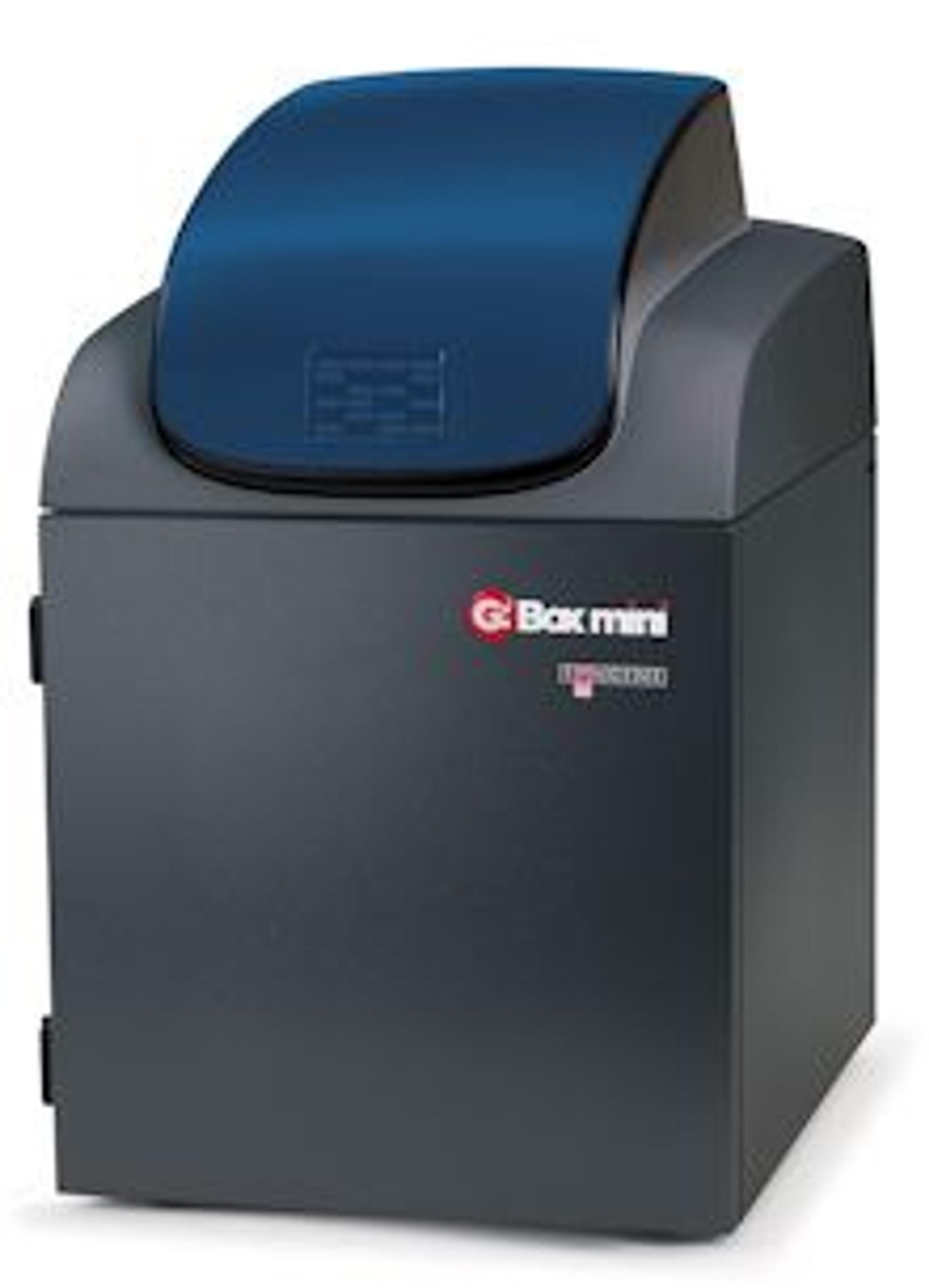
G:BOX mini
SyngeneG:BOX mini is a compact, multi application imaging system for accurately imaging mini and midi fluorescence and visible gels, multiplex fluorescence westerns, stain-free gels and chemiluminescent blots.
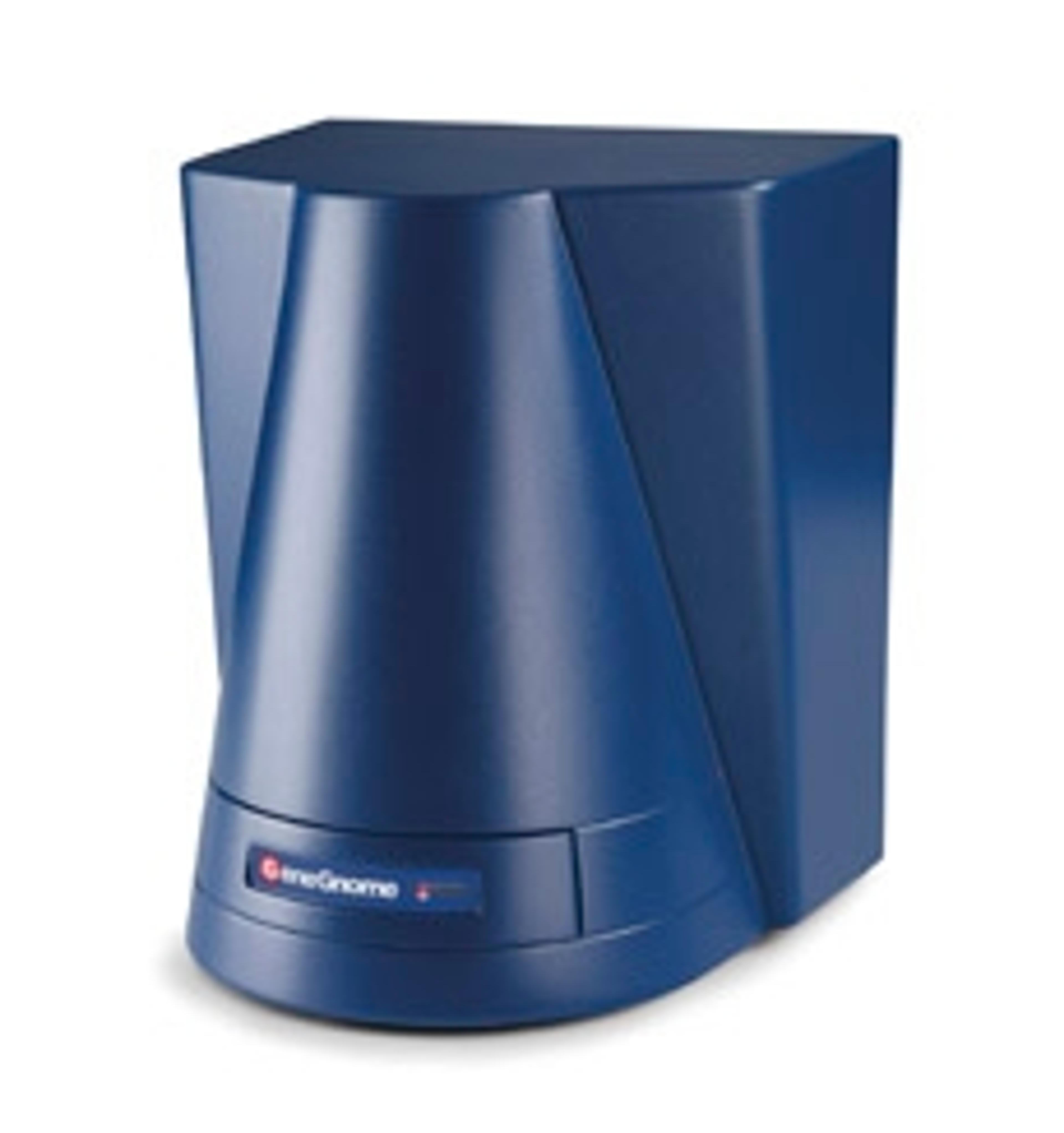
GeneGnome XRQ
SyngeneGeneGnome is a dedicated chemiluminescence imaging system. Utilising the GeneGnome XRQ’s optimised short ‘camera to sample’ technology, you’ll get more than double the dynamic range of film, making it easy for you to see picogram or femtogram protein levels without all the fuss.
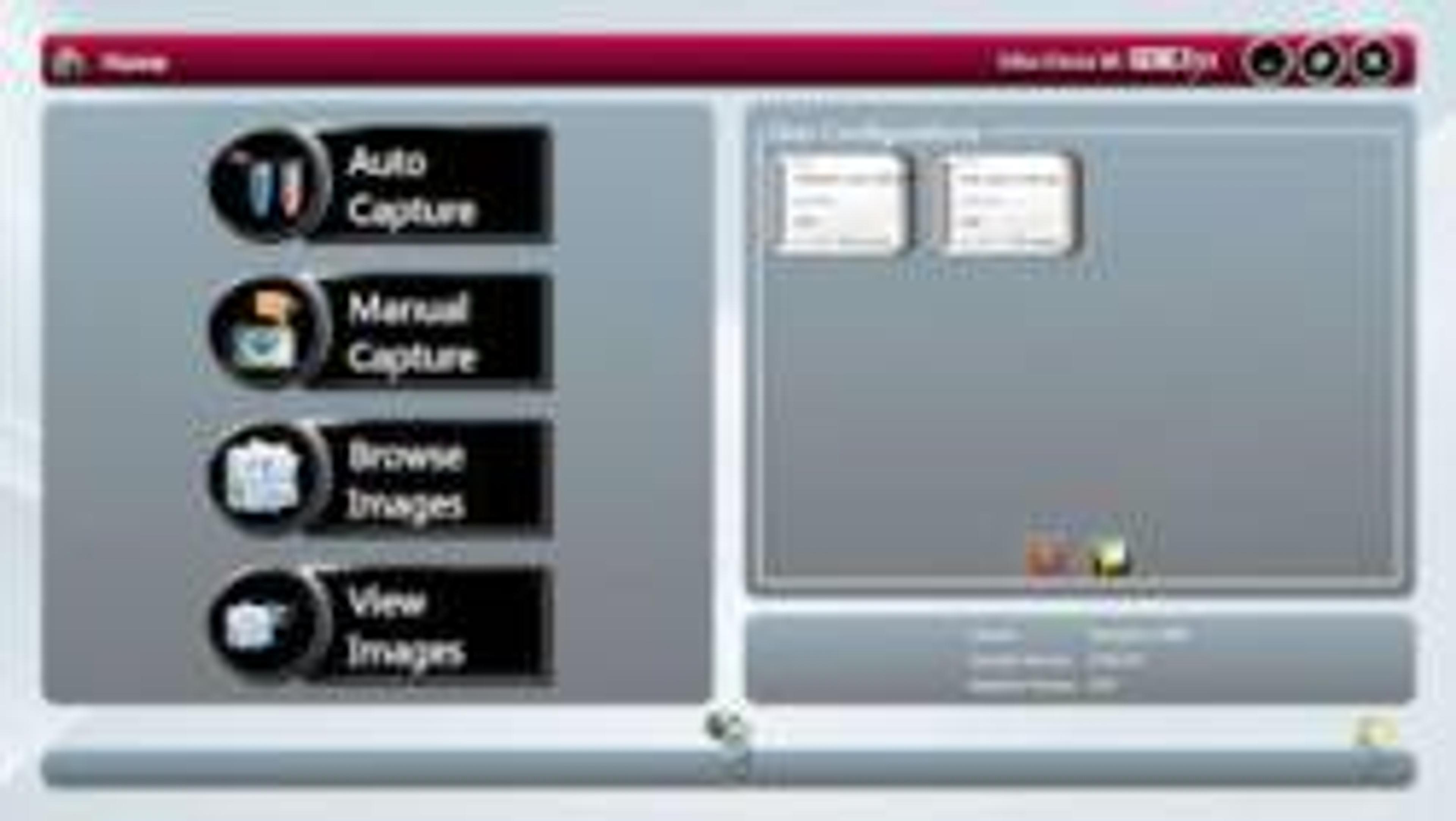
GeneSys
SyngeneThe biggest difference between a Syngene system and any other is in the way the system is controlled. At the heart of all Syngene systems is GeneSys which is an application driven control software. You can use GeneSys in either Automatic or Manual mode. It is assumed that the user will know exactly what their application is and how they have prepared their gel or blot. In Auto Mode they simply enter this information into GeneSys (or recall it from a saved configuration) and the system takes over the rest. Behind GeneSys is an extensive database which contains data relating to a very wide range of applications, eg, fluorescence, chemiluminescene and chemifluorescence.Once the imaging system has been told what sample to expect then GeneSys decides what hardware configuration is best and sets the system ready for image capture. Things like camera control, exposure time, sensitivity setting, lighting requirements, lens control, filter selection – all of this is taken care of by GeneSys. The user just has to click the ‘capture’ button and wait for the perfect image to appear. GeneSys ensures scientists can quickly capture excellent images of even complex multiplex gels.The innovative GeneSys software features large touch-screen buttons which guide users effortlessly through set-up and image capture. Each screen prompts researchers to select, for example, the type of gel or blot they are using and what it is stained with.