GeneSys
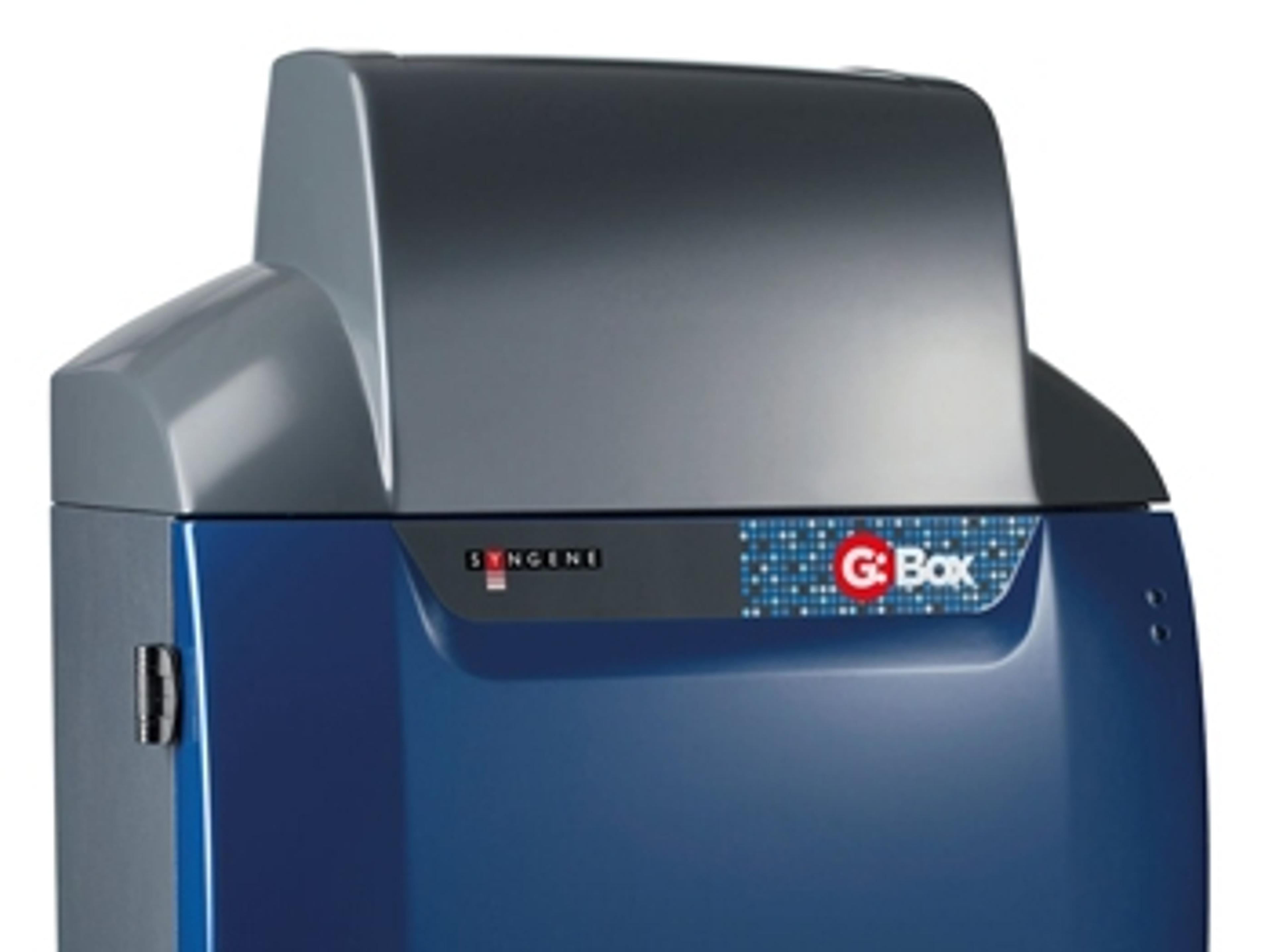
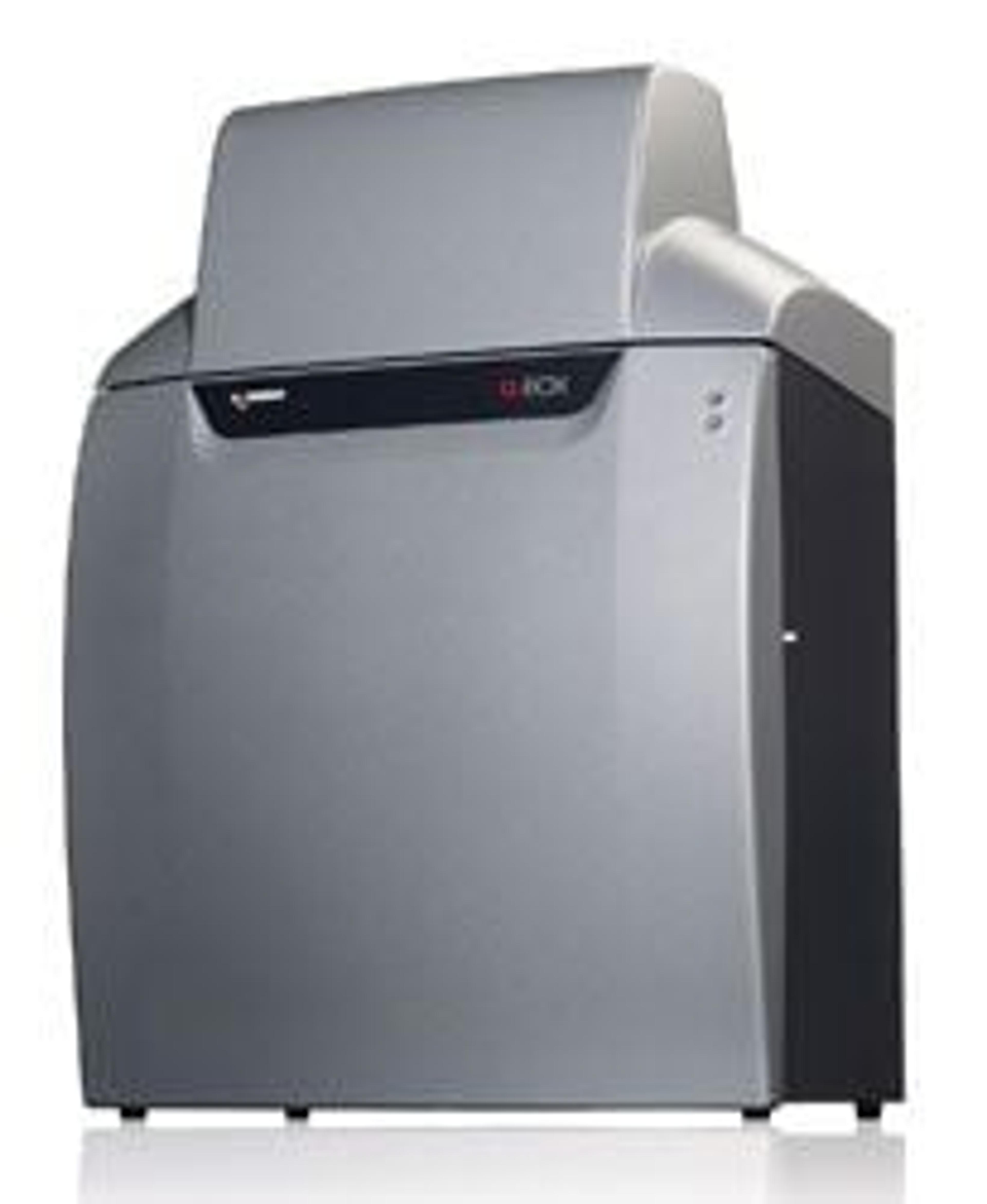
The biggest difference between a Syngene system and any other is in the way the system is controlled. At the heart of all Syngene systems is GeneSys which is an application driven control software. You can use GeneSys in either Automatic or Manual mode. It is assumed that the user will know exactly what their application is and how they have prepared their gel or blot. In Auto Mode they simply enter this information into Gene…


The supplier does not provide quotations for this product through SelectScience. You can search for similar products in our Product Directory.
The biggest difference between a Syngene system and any other is in the way the system is controlled.
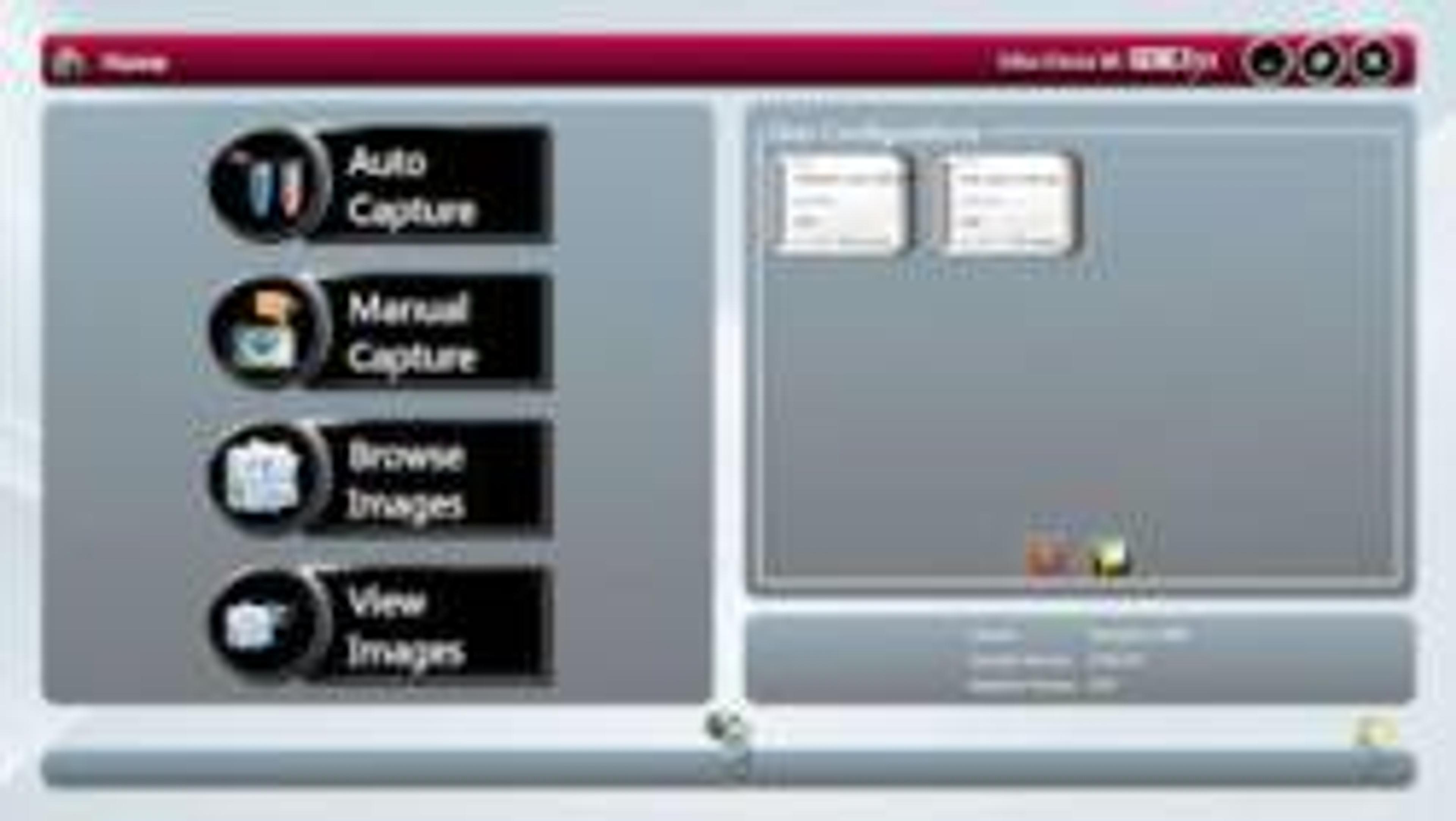
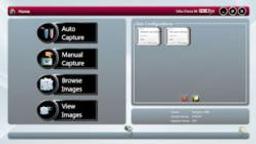
At the heart of all Syngene systems is GeneSys which is an application driven control software. You can use GeneSys in either Automatic or Manual mode. It is assumed that the user will know exactly what their application is and how they have prepared their gel or blot. In Auto Mode they simply enter this information into GeneSys (or recall it from a saved configuration) and the system takes over the rest. Behind GeneSys is an extensive database which contains data relating to a very wide range of applications, eg, fluorescence, chemiluminescene and chemifluorescence.
Once the imaging system has been told what sample to expect then GeneSys decides what hardware configuration is best and sets the system ready for image capture. Things like camera control, exposure time, sensitivity setting, lighting requirements, lens control, filter selection – all of this is taken care of by GeneSys. The user just has to click the ‘capture’ button and wait for the perfect image to appear. GeneSys ensures scientists can quickly capture excellent images of even complex multiplex gels.
The innovative GeneSys software features large touch-screen buttons which guide users effortlessly through set-up and image capture. Each screen prompts researchers to select, for example, the type of gel or blot they are using and what it is stained with.

Imaging Colorimetric Markers Using GeneSnap Software
Learn how to use the GeneSnap software for imaging colorimetric markers, commonly used to assess the relative molecular weight (MW) of a protein on a gel.
Dynamic Fielding for Syngene Image Capture Systems
Some manufacturers use a Flat Field Correction method in order to address uneven illumination of light sources. This involves subtracting the image information from an empty field of view or ‘perfectly flat’ fluorescent reference sample from that of the same field of view with the gel added. As this process involves the subtraction of one image from another, the integrity of the raw data of the initial captured image is compromised. Such manipulation is incompatible with Good Laboratory Practice (GLP). Syngene uses the Dynamic Fielding Correction method to address uneven light illumination whilst maintaining GLP compliance.
Generate Images of Gels and Blots
Learn more about the new innovatively designed compact PXi for fast imaging of even the faintest bands in this video. Paul Ellwood, Syngene, explains the simplicity of using Syngene’s intuitive GeneSys imaging software and demonstrates how, with just one-click, scientists can generate perfect images of chemiluminescent blots, as well 1-D gels (up to 10cm x 12cm) stained with any fluorescence and IR commercial dyes time after time. Interview filmed by SelectScience at analytica 2012.

Syngene releases GeneSys image capture software for improved accuracy of gel and western blot data
The GeneSys software now combines sample positioning and image capture on one screen, making it easier for scientists to set up and image gels and blots in fewer clicks
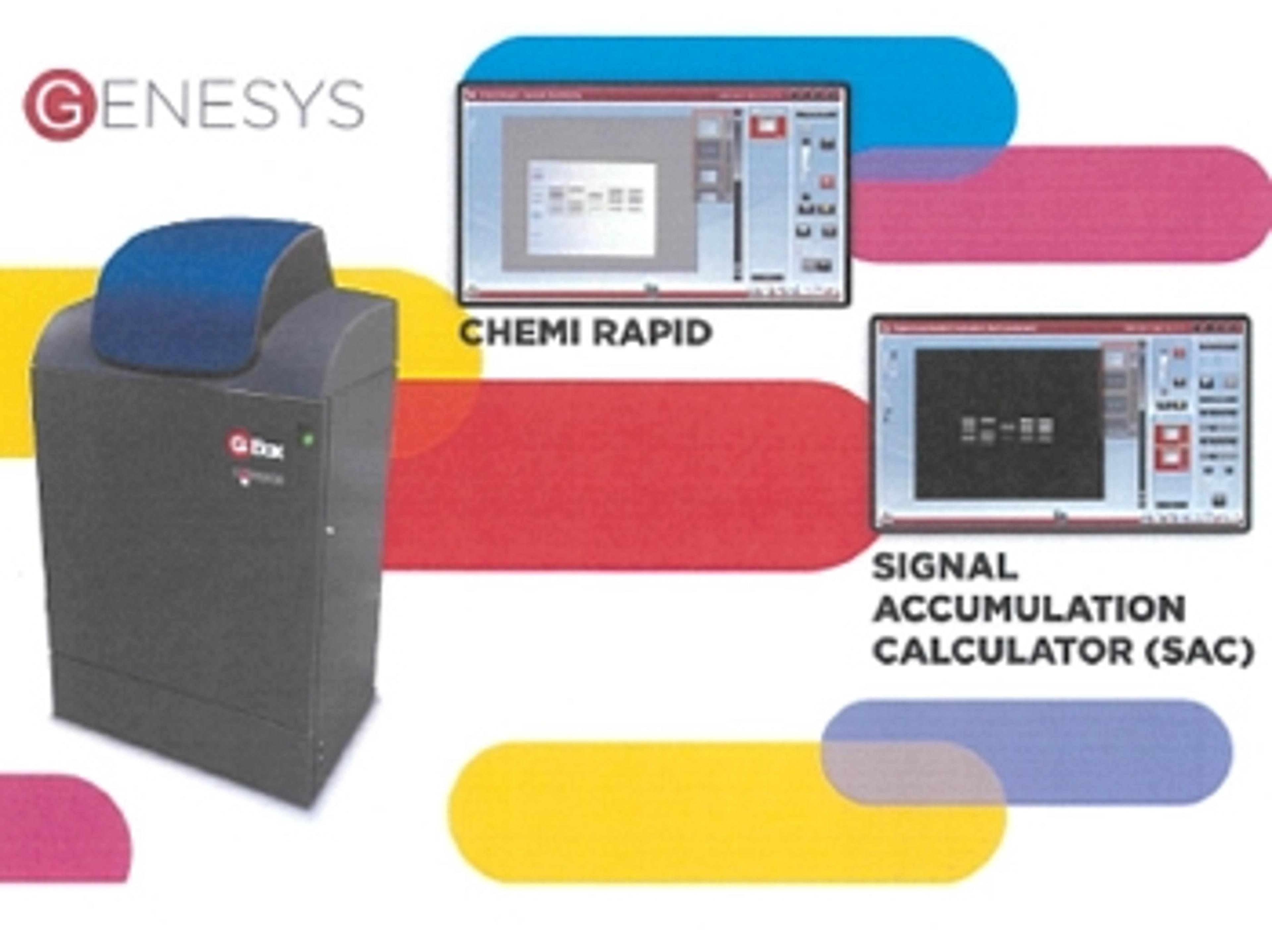
New GeneSys software makes imaging chemi blots a breeze
Capturing chemi blot images is tricky, which is why Syngene have redesigned their GeneSys software for G:Box Chemi systems

New QuickQuant Feature in GeneSys Software
Save time with easy-to-use analysis alongside image capture
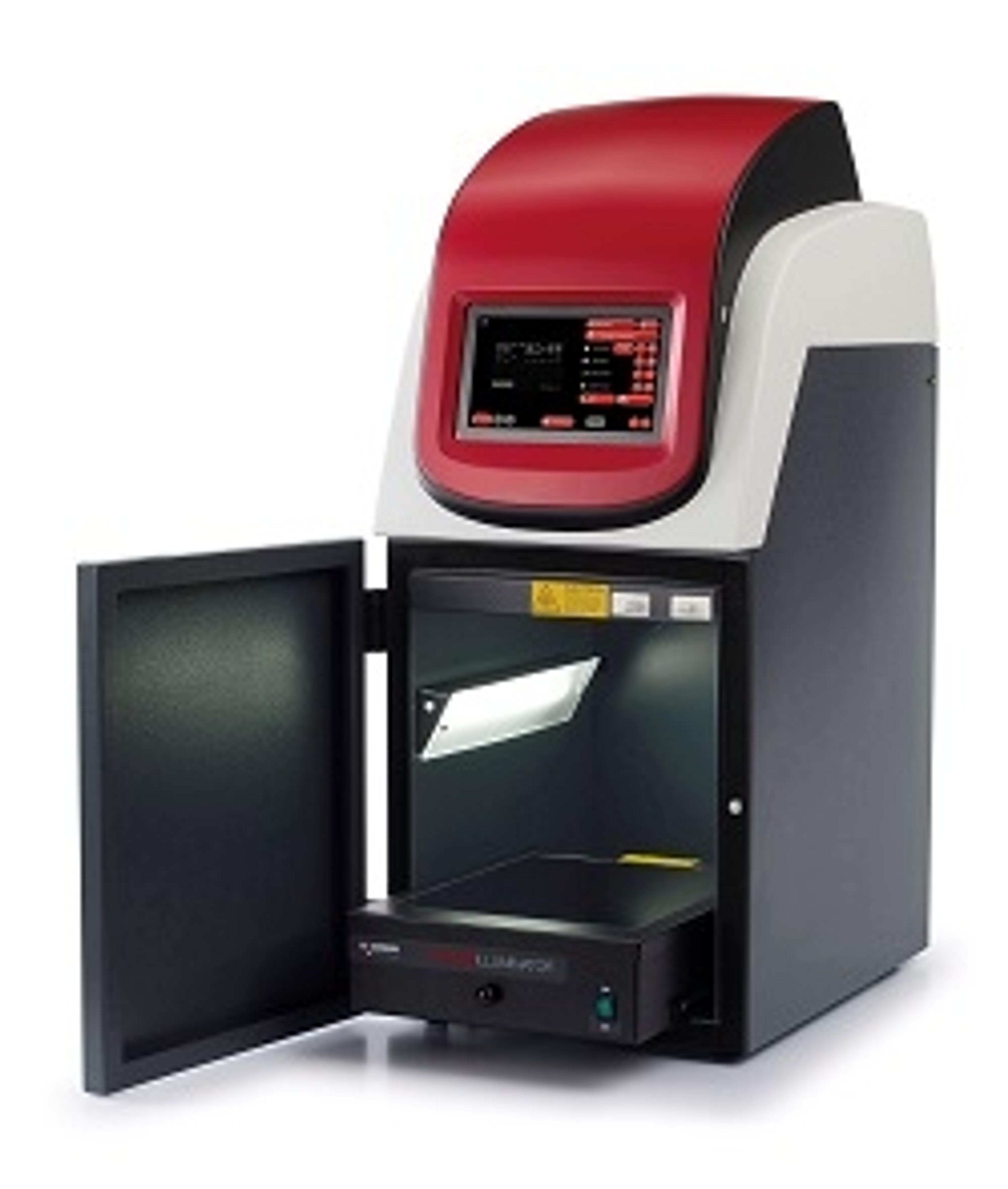
NEW Generation Syngene Imaging Systems for Gel and Blot Imaging
The new systems will be live on Stand 140 at ARABLAB 2017